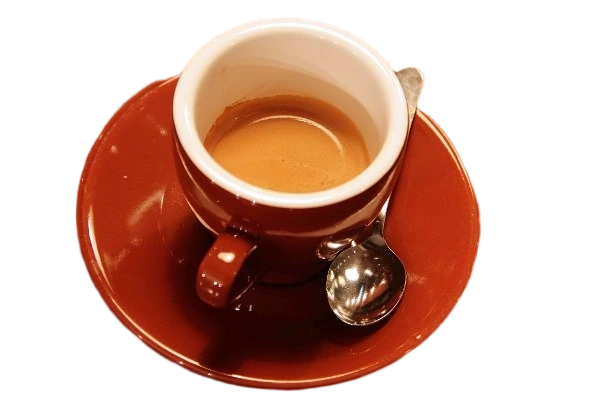
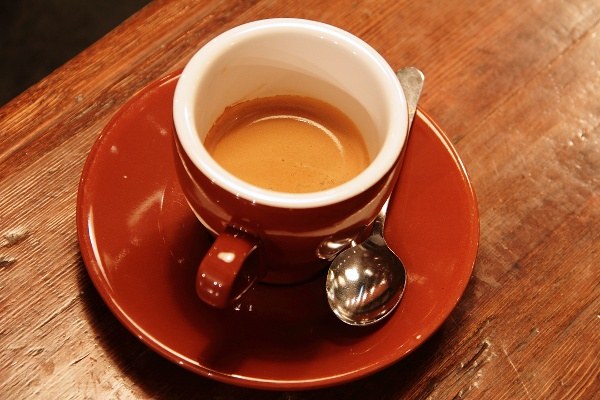
Drop a photo and get a transparent PNG in seconds. No signup, no watermark, and your pictures never leave your device.
How to remove a background in 3 steps
- Add a photo: drop it, choose it, or paste it from the clipboard. You can add many at once.
- Wait a few seconds while the AI model finds the subject. The first visit downloads the model once; after that it is cached.
- Check the result, fix any edges with the Erase and Restore brush, optionally choose a white, coloured or image background, then download.
What makes EasyEraseBG different
- Private by design: the AI runs in your browser, so photos are not uploaded to a server.
- Free without strings: no account, no forced watermark, no credits and no daily quota.
- Original-size export: the cutout is applied to your full-resolution photo where your device allows it.
- Quick fixes: erase or restore parts of the mask by hand, compare before and after, and work on several photos at once.
- Made for phones as well as desktops.
Honest limits you should know about
The AI model computes its mask at 512×512 pixels and scales it up to your photo, so fine details such as single hairs on very large photos can look soft. Original-size export means the output has your original dimensions, not that the mask was computed at that resolution.
Very large images are reduced if your device cannot hold them in memory (about 16 megapixels on phones and 40 on computers). Older phones may be slow; the Fast mode trades edge quality for speed.
Results are good on people, pets, products and objects with clear outlines. Glass, smoke, very busy backgrounds and subjects that blend into the background may need touch-ups.
Features
What's inside the editor
More tools and guides
Frequently asked questions
Is EasyEraseBG really free?
Yes. There is no registration, no watermark, no credits and no daily limit. The site may show advertising to cover running costs.
Are my photos uploaded?
No. The model runs on your device. Only the site files and the AI model are downloaded; your images are never sent to a server.
Why is the first run slower?
The AI model is about 44 MB. It is downloaded once and then stored by your browser, so later visits start much faster. Choose the Fast mode for a 5 MB model.
Which formats can I download?
Transparent PNG, transparent WebP, or JPG with a solid or image background.
Can I remove backgrounds from many photos at once?
Yes. Add several photos, then download them individually or as one ZIP file.